You can use Markdown to easily and quickly integrate diagrams in your document.
Here’s how to do it:
- To start the diagram section, use three backticks and the word “mermaid”.
- In the following line, specify the kind of diagram, graph, or visualization you want to use.
- Write it in the Mermaid syntax.
- Close the section with three backticks and continue with text.
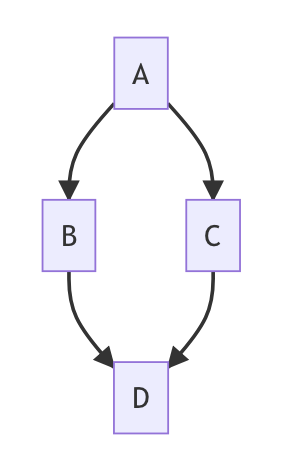
For example, this code …
```mermaid
graph TD;
    A-->B;
    A-->C;
    B-->D;
    C-->D;
```
… becomes this graph:
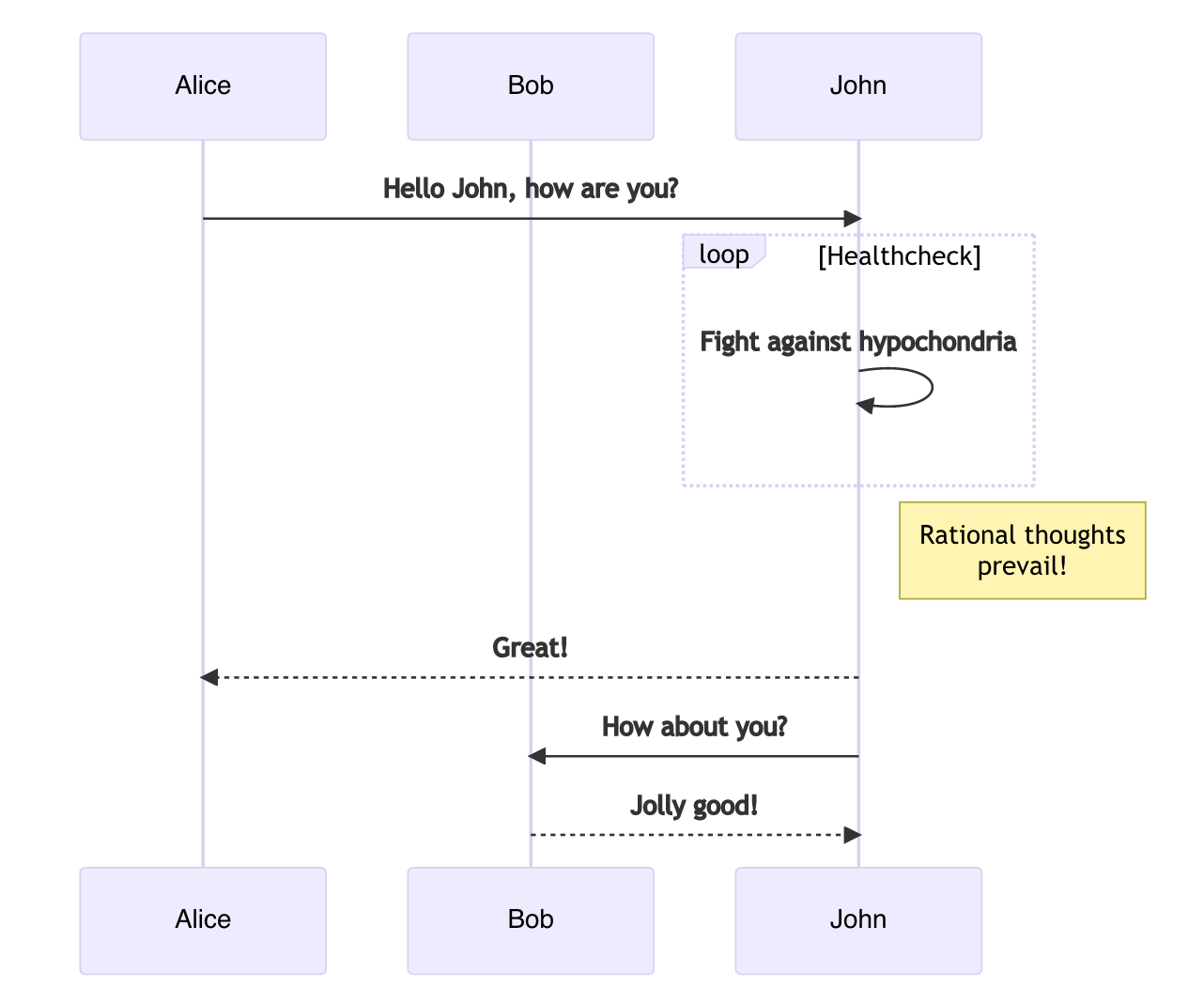
And this code …
```mermaid
sequenceDiagram
    participant Alice
    participant Bob
    Alice->>John: Hello John, how are you?
    loop Healthcheck
        John->>John: Fight against hypochondria
    end
    Note right of John: Rational thoughts
prevail!
    John-->>Alice: Great!
    John->>Bob: How about you?
    Bob-->>John: Jolly good!
```
… becomes this sequence diagram:
Find the complete documentation with instructions and examples at https://mermaid.js.org/intro/ or try out the Mermaid live editor.
